

Backdrop Banner Stands: Step-and-Repeat Design Tips for Trade Shows
Introduction
You have a booth, steady foot traffic, and a big blank wall to fill. A step-and-repeat backdrop turns that wall into a branded photo spot, and every picture taken in front of it carries your logo onto someone's social feed. The catch is that a repeating-logo layout is easy to get wrong. Logos that are too small vanish in a crowd, tight spacing makes the pattern look like wallpaper, and a file built at the wrong size can come back soft or clipped.
This guide walks through the design decisions that matter most when you order a backdrop banner stand: layout, spacing, color, and file setup. It is written for small and mid-sized businesses, agencies, and solo professionals who want a backdrop that looks deliberate, not improvised.
What a Step-and-Repeat Backdrop Does at a Trade Show
A step-and-repeat is a banner printed with a logo, or a set of logos, repeated across the surface. Event hosts use them so that anyone photographed in front of the banner has branding in the frame at a trade show, that gives the backdrop two jobs. It marks your space from down the aisle, and it gives visitors a reason to stop, pose, and post.
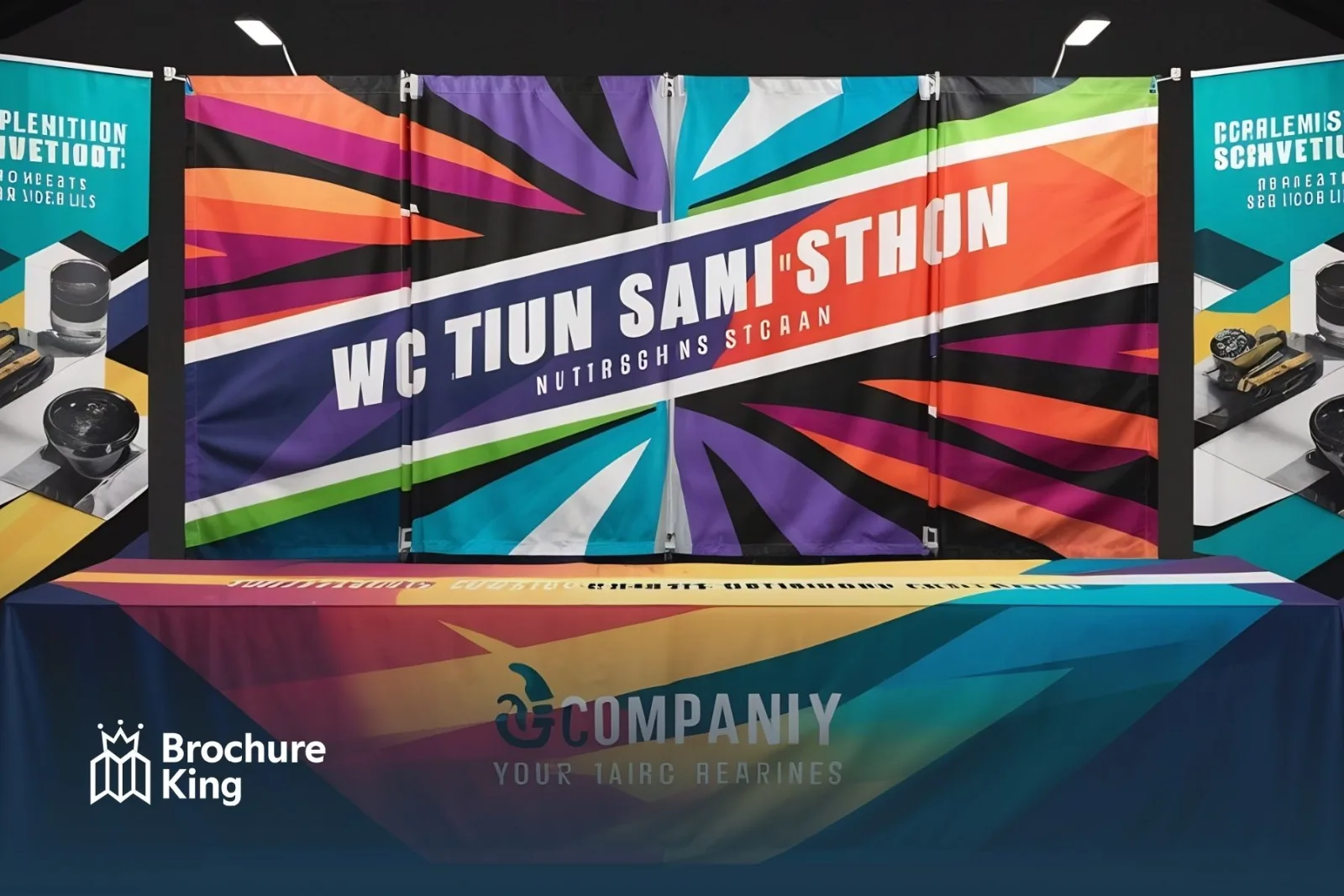
Our backdrop banner stand is built for that kind of use. The banner is 95" x 96", printed in full color on 13oz scrim vinyl, and it hangs on an 8 x 10 telescopic stand. Because the display is portable, the same setup can work at a conference one month and a grand opening the next. For the full list of printed pieces a booth needs around it, see our trade show booth checklist.
Start With the Canvas Before You Place a Single Logo
Know Your Size and What People Will Cover
At 95" x 96", the banner is almost square. That matters because most people picture step-and-repeat banners as wide and short. A near-square canvas gives you room for a stacked pattern, and it suits the portrait-style snapshots many people take on a phone.
Remember who will be standing in front of it. In a photo, bodies cover the lower part of the banner, and the frame usually crops somewhere around head and shoulder height. We tell customers to treat the middle band of the banner as prime real estate and to assume the very bottom will be hidden by people and feet.
Respect Bleed and Safe Margins
Build your file to the template. Our spec calls for 0.125" of bleed on all sides, with color running all the way to the outer bleed edge, and a 0.125" safe margin for logos and text. We suggest going further and keeping logos several inches inside the trim line, so a small shift in how the banner hangs never clips a mark. If you need a template for your size, contact us, and we will send the right one.
Step-and-Repeat Layout Tips That Photograph Well
Size and Space Your Logos
Logos should be large enough to read in a phone photo taken from a few feet back, with enough space between them that the pattern can breathe. On a 95" x 96" banner, one workable layout uses logos about 22 inches wide and 12 inches tall, with roughly 7 inches between them. Three logos across use about 80 inches of the width and leave comfortable margins on both sides. Treat those numbers as a starting point to adjust for your own mark, not a formula.
Stagger the Rows
A straight grid puts a logo directly behind each person's head, which hides it. Staggering the rows, like bricks in a wall, offsets the logos so that a visible mark sits between shoulders. In the layout above, alternate rows of three logos and two logos, five rows in all and 13 logos total, and center each short row over the gaps in the row above it. That leaves about 4 inches at the top and bottom of the banner.
Limit the Number of Logo Versions
Use one primary logo, and add a reversed (light-on-dark) version only if your background calls for it. Co-branded and sponsor backdrops need a clear hierarchy: give the host the largest repeat and keep sponsors equal in size to one another so nobody feels shortchanged. In our experience, proofs where five different marks compete for attention read worse than proofs with fewer, larger logos.
Color, Contrast, and Type for Busy Show Floors
Pick a Background That Lets Logos Pop
Solid or softly graduated backgrounds beat busy photos. A pattern behind a pattern turns your repeat into noise. Choose background and logo colors with strong light-dark separation. As a quick benchmark, web accessibility guidelines ask for at least 4.5:1 contrast for regular text and 3:1 for large text. Marks on a backdrop are large, so aim for at least 3:1 and go higher if you expect a dim hall. Free online contrast checkers can test two colors in seconds.
Design in CMYK and Proof the Color
Bright screen blues and greens often look duller once they are converted to CMYK for print. Set the file up in CMYK from the start so what you approve is closer to what you get. If your brand has one color that has to look right, mention it to your rep when you order.
Keep Fine Print Off the Backdrop
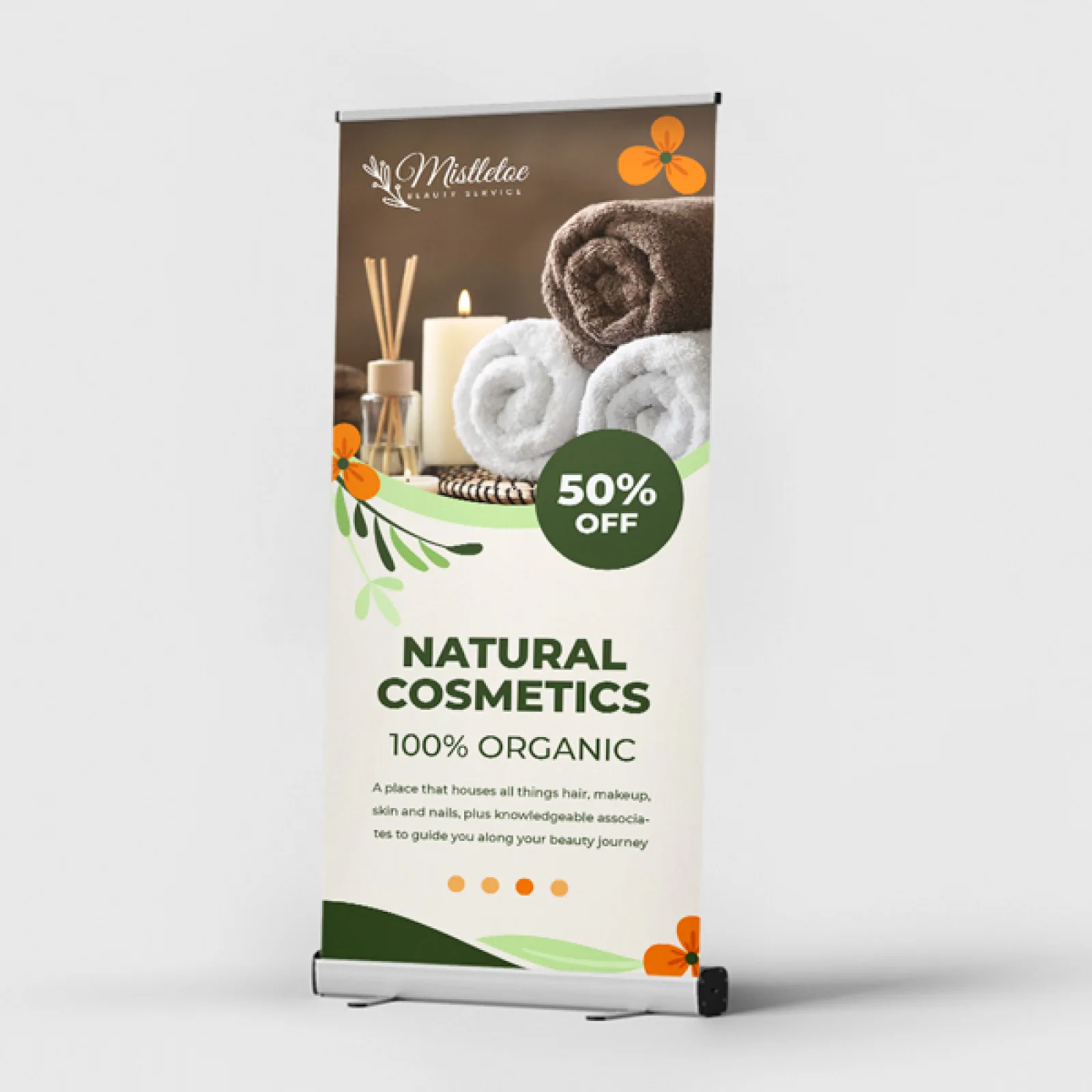
Taglines, web addresses, and QR codes are hard to read from a distance and easy to cover with a shoulder. Keep the backdrop for your logo, and carry the details on pieces visitors can read up close. A standard retractable banner stand beside the photo spot can hold your offer and QR code, and rack cards or flyers let people take the details home.
Prepare Your Artwork File for Print
Most backdrop problems are file problems, and most of them are easy to avoid:
Use vector logos. Vector artwork (AI or PDF) scales to any size without losing sharpness, while pixel-based images turn blurry when enlarged.
Size to the template. The trim size is 95" x 96", with 0.125" of bleed.
Set up in CMYK and outline or embed your fonts.
Mind the resolution. Our spec lists 300 DPI as the minimum. At full size, that is roughly 28,500 by 28,800 pixels, so keep logos as vector and build the background in your layout software instead of one giant bitmap.
Send a print-ready PDF when you can. We also accept AI, PSD, INDD, JPG, and PNG.
Our team checks every file for print errors before it goes to press. Standard turnaround for this backdrop is 4 business days, with rush options at checkout, so work backward from your load-in date and leave room for a proof.
Backdrop Banner Stand or Fabric Tube Display?
Choose the backdrop banner stand when the photo is the point: a step-and-repeat wall, a sponsor wall, or a big background behind a table. If you are weighing a different booth look or a different budget, a fabric tube display is another option, and our comparison of fabric tube displays vs. retractable banners breaks down cost, setup, and booth impact.
Conclusion
A good step-and-repeat backdrop comes down to a few decisions made before you send the file. Design for a near-square 95" x 96" canvas and keep the key marks in the middle band. Make logos large, space them generously, and stagger the rows so one is always visible between people. Choose strong contrast on a simple background, build the file in CMYK with vector logos, and put the fine print on separate pieces. Get those right, and your booth gets a photo spot people actually use.
Order Your Backdrop Banner Stand From Brochure King
Brochure King prints for businesses in Lakewood, NJ, Brooklyn, NY, and Five Towns, NY, and ships nationwide.
Ready to plan your backdrop? Email orders@brochureking.com, call 732-660-KING (5464), or request a quote today. Tell us your event date, and we will help you work backward from it.
Frequently Asked Questions
What is a step-and-repeat backdrop used for at a trade show?
A step-and-repeat backdrop is a banner with a logo or logos repeated across its surface, used as a photo spot so that pictures taken in front of it show your branding. At a trade show, it also marks your booth from the aisle and gives visitors a reason to stop and share a photo.
What size is the Brochure King backdrop banner?
The Brochure King backdrop banner stand prints at 95" x 96" in full color on 13oz scrim vinyl and hangs on an 8 x 10 telescopic stand.
What file should I send for a backdrop banner?
A print-ready PDF built to the template is best, with 0.125" of bleed, CMYK color, and a minimum of 300 DPI. Brochure King also accepts AI, PSD, INDD, JPG, and PNG files. Keep logos as vector artwork so they stay sharp at full size.
