




How to Order Printing Online at Brochure King
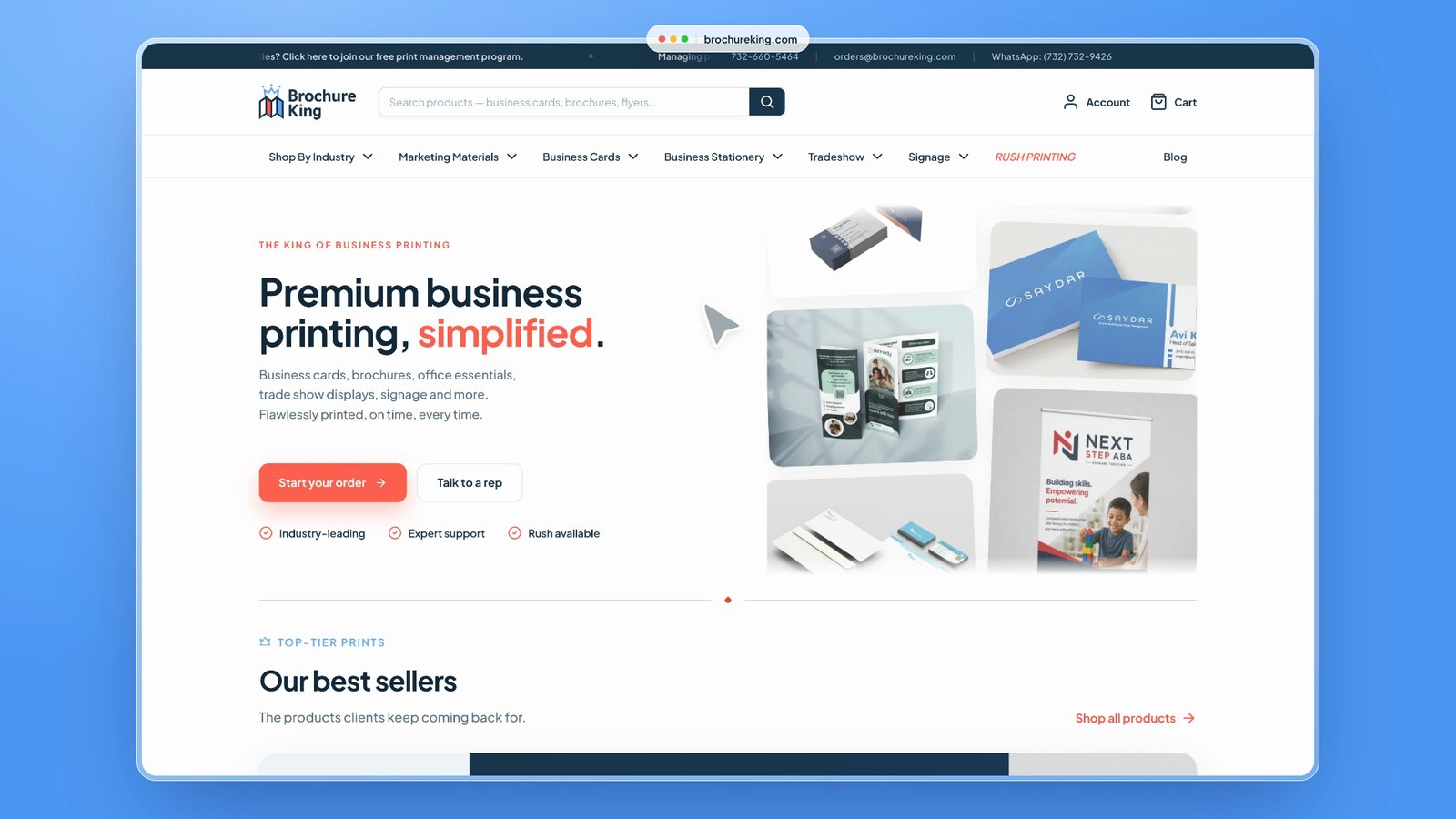
Ordering print should take a few minutes, not a string of emails. This guide walks through how ordering works on brochureking.com, from finding the right product to checking out, so your team knows what to expect the first time they order.
Prefer to watch? Take the 78-second tour of ordering on Brochure King. Each step below also links to its moment in the video.
1. Find what you need
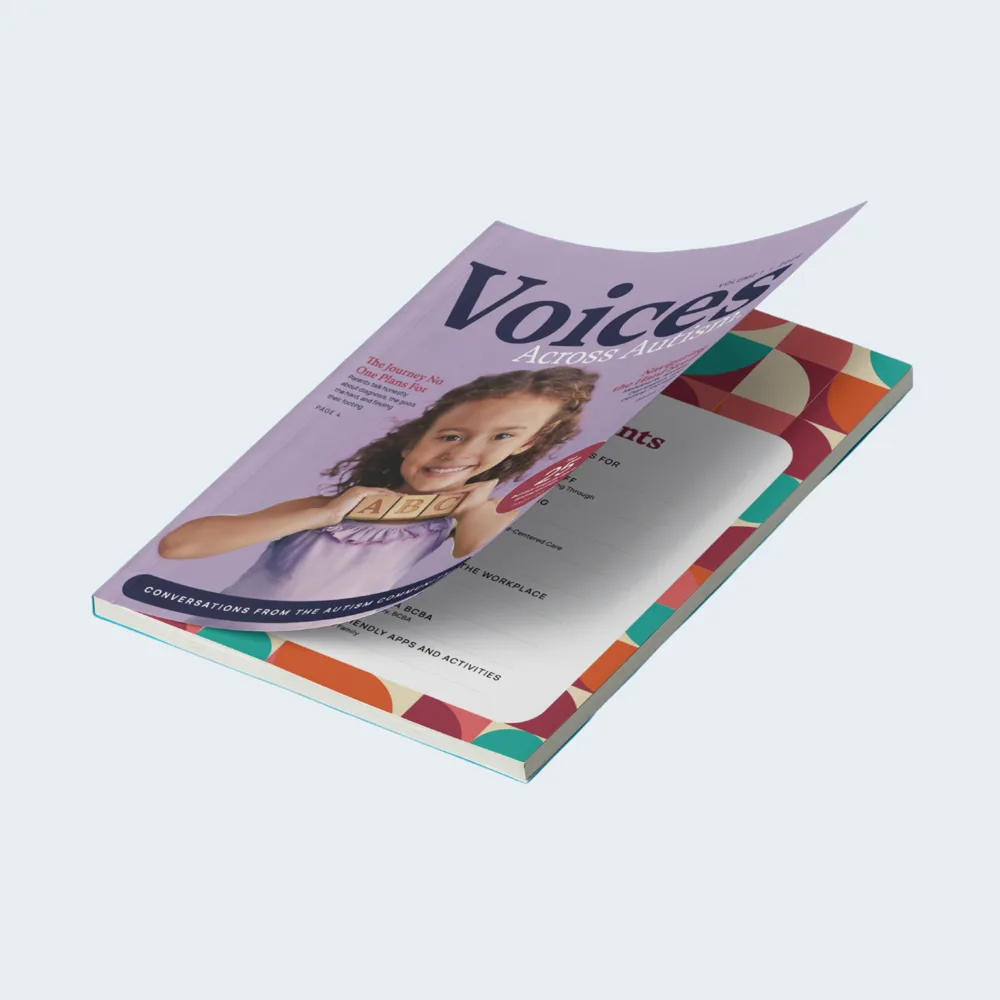
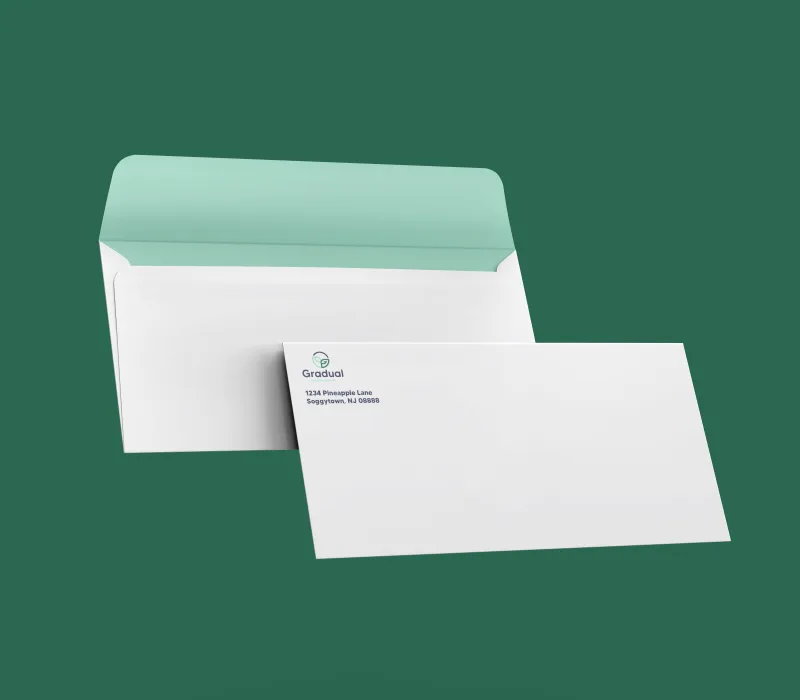
Start from the menu at the top of any page. Products are grouped the way most teams think about them: marketing materials like brochures, flyers and postcards, tradeshow displays and booth materials, signs and banners, and business stationery like letterhead and envelopes.
If you would rather start from your field, shop by industry shows the products that teams like yours order most.
2. See your price as you build
Every product page has live pricing for every spec and every quantity. Choose the size, paper, coating and turnaround, and the total and cost per piece update as you go. Quantity breaks are shown right in the table, so you can see how much you save by ordering more at once.
There is no quote form to fill in and no waiting for a reply. See live pricing in the tour (0:15).
3. Upload your artwork or use a template
When your print file is ready, upload it as part of the order. If you are starting from scratch, easy-to-use templates set up the right size, bleed and safe area for you. Either way, file checks catch common problems before anything goes to print, so you get the result you expect.
See artwork upload in the tour (0:19).
4. Choose turnaround and shipping
Turnaround is the time it takes to print your order, and shipping is added after. Before you add an item to your cart, enter your shipping address to see your delivery options, their prices and an estimated ship date.
Need it fast? Rush printing offers as fast as next-day turnaround on popular products. Our turnaround times page explains when the production clock starts.
5. Order from anywhere
The whole site works on a phone, a laptop or a tablet, whichever is closest. Your cart shows every item with its full specs, so you can check everything before you pay. See ordering on a phone in the tour (0:28).
Ordering for more than one location?
If your organization orders print for several sites, such as a group of senior care communities or ABA clinics, our print management program keeps your branding consistent and your ordering in one place.
Need a hand?
If you are not sure which product or paper is right, talk to a rep or call us at 732-660-5464. We help teams choose the right materials every day.
