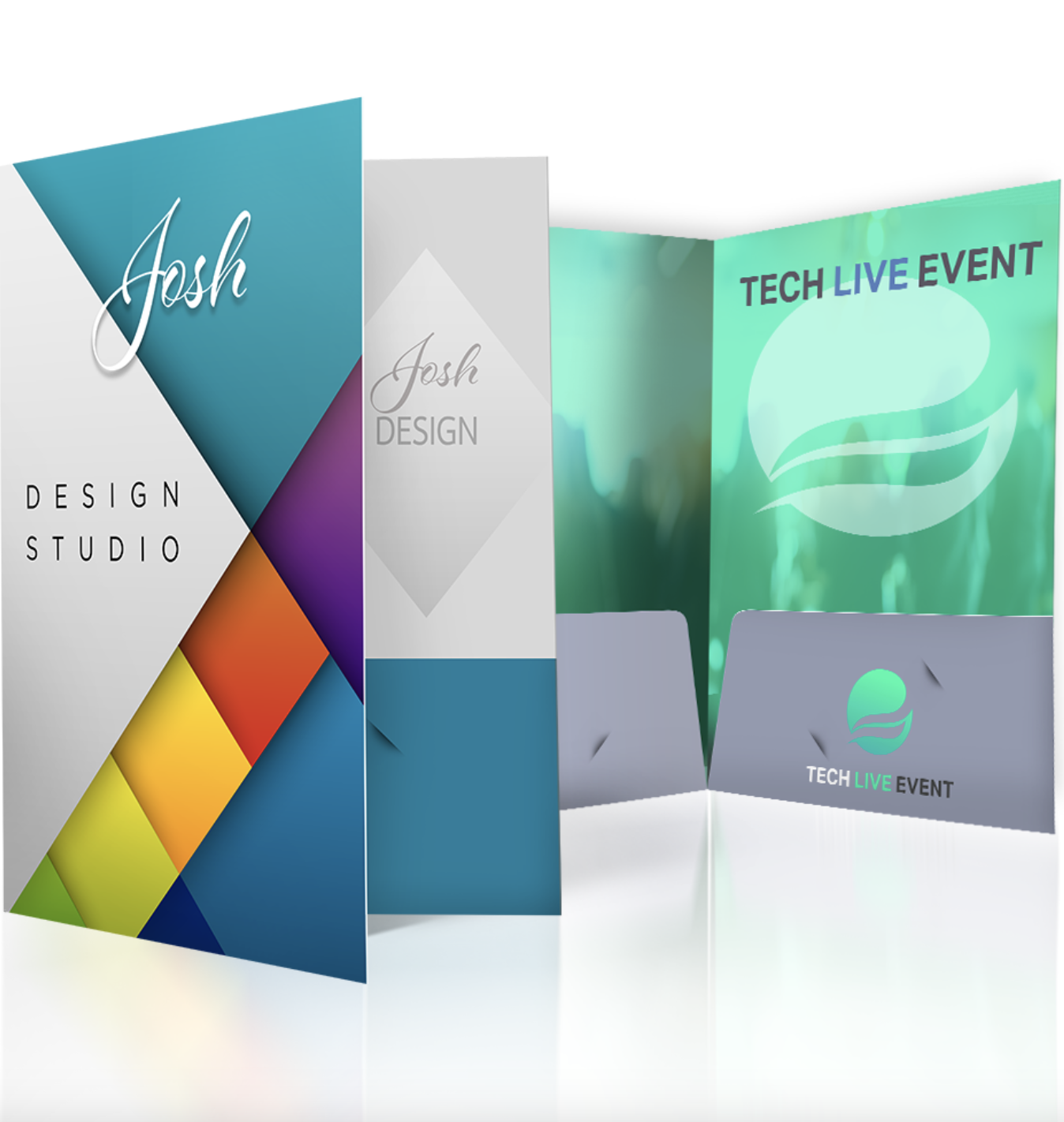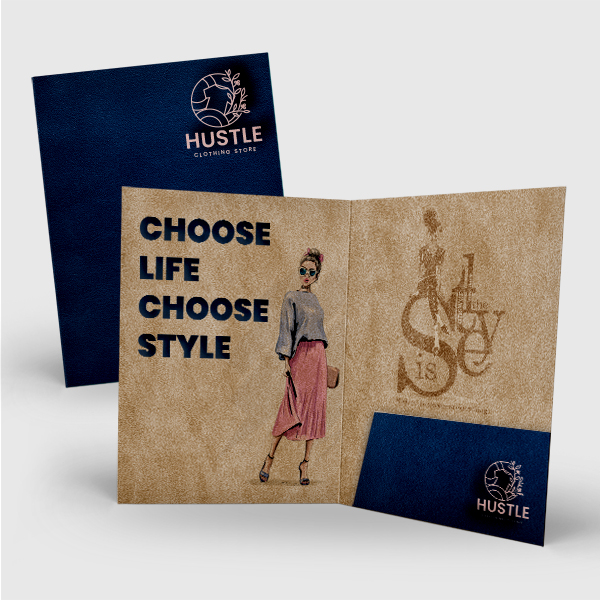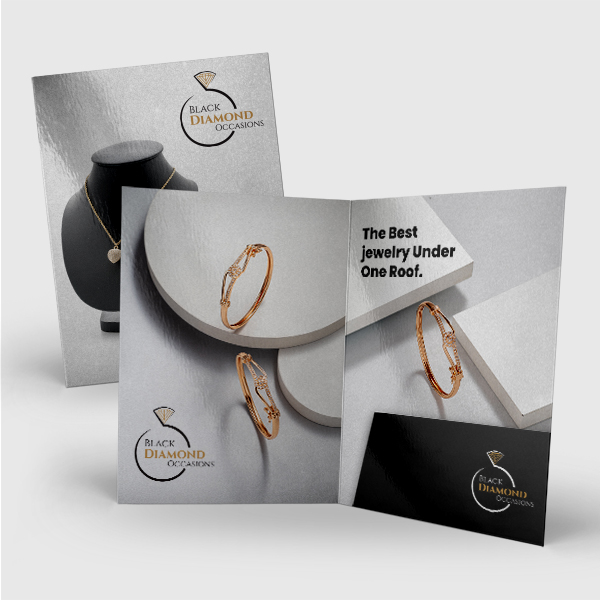
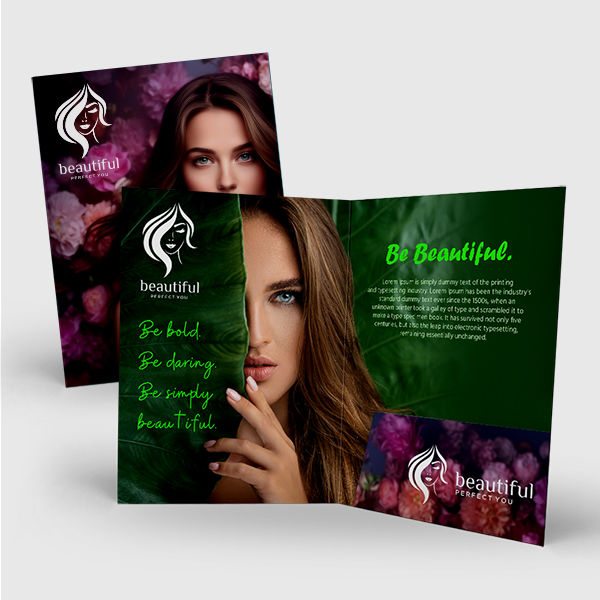
6x9 Presentation Folder

6" x 9" Presentation Folders

Compact, professional, and polished — our 6" x 9" Presentation Folders are perfect for smaller documents, half-folded 8.5" x 11" sheets, booklets, proposals, welcome packets, and promotional inserts. This size offers a clean, organized presentation without the bulk of a full-size folder.

Help Blurb

   Need help choosing options? Scroll down to see our Paper & Specs Guide

Price Calculator


QuantityPrice
250
$868.11
500
$925.13(Save 47%)
1000
$1,085.81(Save 69%)
2500
$2,075.71(Save 76%)
5000
$3,272.91(Save 81%)
Printing Cost: $868.11

Start Customizing with Any Option

6x9 Presentation Folder Specifications

Size

Compact presentation folders designed for smaller documents and half-folded letter-size sheets.

  • 6" x 9": Ideal for holding half-folded 8.5" x 11" sheets, 6" x 9" booklets, proposals, welcome packets, and marketing inserts in a polished, easy-to-distribute format.

Stock Options

  • 14PT C2S: Durable coated two sides with smooth finish and vibrant color inside and out.
  • 14PT Uncoated: Writable, natural texture with a classic paper feel.
  • 16PT C2S: Extra-thick coated stock for a sturdy, premium presentation.
  • 100LB Gloss Cover: Glossy cover stock that enhances bold colors and sharp imagery.

Coating Options

  • Matte: Smooth, low-shine finish for a refined, professional look.
  • Aqueous Coating: Water-based protective gloss that adds durability and light sheen.
  • UV on 4-Color Side: High-gloss UV coating applied to the printed exterior.
  • Spot UV Front: Gloss coating applied to specific areas for contrast and visual impact.
  • No Coating: Natural finish without added coating, suitable for writing or stamping.

Pocket Options

  • 2 Pockets Presentation Folder: Standard dual-pocket layout for organizing multiple documents.
  • 1 Pocket on the Left (Front) Side: Single pocket on the interior front panel.
  • 1 Pocket on the Right (Back) Side: Single pocket on the interior back panel.

Design Guidelines

Ready to create your product design?
To start, select the product size, preview the design guidelines, download the guidelines for reference, and proceed with the customization options.
Help template cannot be generated as one or both bleed sizes (height and width) are set to 0.
Bleed Line
Safe Line

Download Product Guideline